
1
Open the Google Play testing link
Open the testing link using the Google account you normally use on your Android phone.
We need a few Android users to join the 123Beep Google Play test while we prepare for public release. Joining through Google Play is the preferred way to install the app and receive test updates.
Once you join, Google Play handles the installation just like it does for other Android apps.
Open the testing link using the Google account you normally use on your Android phone.
Tap Become a tester on the Google Play testing page. This enrolls your Google account in the 123Beep test.
After joining, use the Google Play link shown on the testing page to install 123Beep on your Android phone.
You do not need to use the app every day. Please remain enrolled in the test for at least 14 days.
Use the app when you can and let us know if anything looks strange, behaves unexpectedly, or does not work as expected.
Simply use 123Beep when it is convenient. Real world use is the most helpful test we can get.
Make sure sign in and your organization access work as expected.
Try NFC check in and manual check in when available to you.
Open meetings, attendance, and other areas you normally use.
Screens that look wrong, confusing wording, slow actions, or anything unexpected are useful feedback.
Screens that look wrong, unexpected behavior, confusing text, or anything that makes you stop and wonder are all useful to know about.
Google Play testing is the preferred installation method. If you cannot join the Play test yet, you can install the official Android APK directly from 123Beep instead.
↓Download 123Beep v1.0 APK123Beep-v1.0.apkOnly install 123Beep APK files from an official 123Beep link. Keep Google Play Protect enabled.

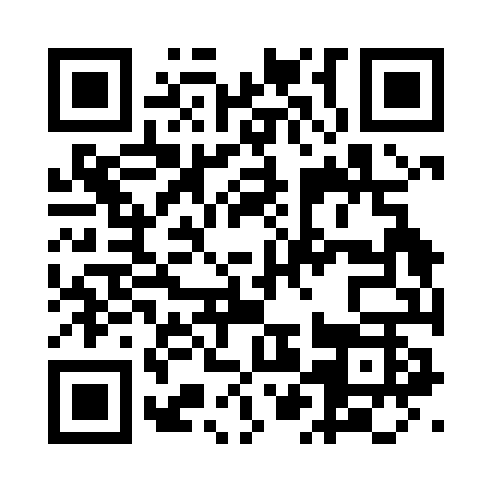
Scan this QR code with your Android phone to open this download page.
Android may ask for permission because the APK is being installed outside Google Play. The wording can vary by phone and Android version.
Tap Download 123Beep v1.0 below. Your browser may ask you to confirm the download.
Tap the download notification, or open your browser Downloads or Files app and select 123Beep-v1.0.apk.
Choose Settings and enable Allow from this source for the browser or Files app you are using.
Return to the installer and tap Install. Keep Google Play Protect enabled and follow Android's prompts.
When installation finishes, tap Open or find 123Beep in your app list.
Confirm that the Google account shown on the testing page is the same account you use in Google Play on your Android phone. Then reopen the testing link.
Switch to the Google account you normally use on your Android phone, then open the testing link again and join with that account.
For the optional APK method, tap Settings on the warning screen and enable Allow from this source for the browser or Files app you are using.
If an older development build is already installed, remove that version first and then install the current APK again.
Join with your normal Android Google account and stay enrolled for at least 14 days. Thank you for helping us get 123Beep ready for public release.